Overview
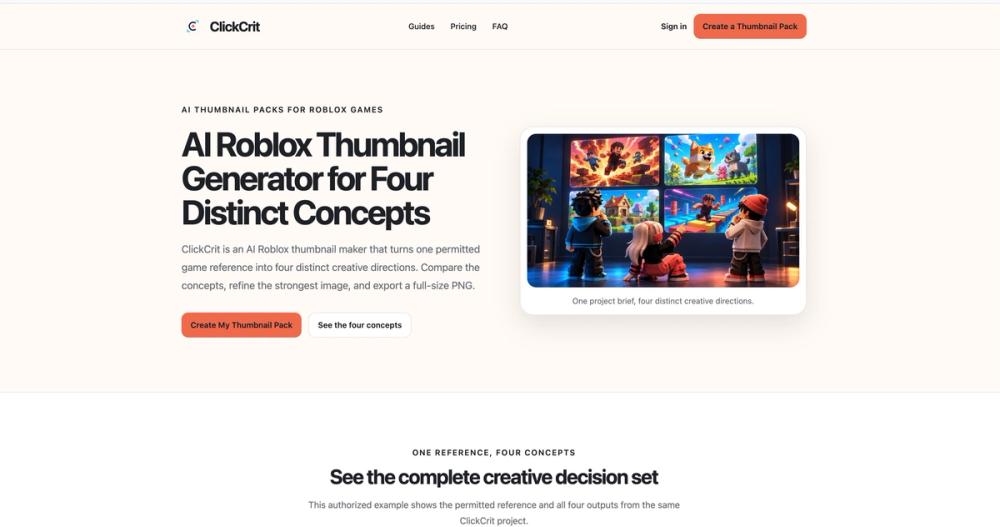
ClickCrit is an AI creative toolkit for Roblox developers. It supports two visual tasks: game thumbnail concepts and in-game interface screens. Use either workflow independently and review the results before use.
Thumbnails
Start with one reference image you are permitted to use. ClickCrit creates four directions: Character Hero, Action Interaction, Feature Reveal, and Progression or Challenge. Compare concepts, make lightweight edits, and export a 1920 × 1080 PNG. The options explore different messages and do not promise a specific click-through rate.
Roblox GUI Maker
Choose Shop, Inventory, Rewards, Main Menu, HUD, or Settings. Provide exact item names, labels, copy, components, and visual requirements. ClickCrit creates matched visual assets while keeping titles, prices, labels, and buttons as editable native UI text.
Studio handoff
Export a Studio Pack with PNG assets, a manifest, an import guide, and Luau for creating the native UI hierarchy in Roblox Studio. You review and upload assets, connect game logic, and publish through your own workflow; ClickCrit prepares the visual layer only.
ClickCrit is independent and is not affiliated with, endorsed by, or sponsored by Roblox. Use only references and assets you own or may use.