Overview
Every product built with an AI coding tool eventually asks the same question: what's actually running under the hood? Replit, Cursor, Bolt, Lovable, v0, and Claude Code make it fast to ship, but speed and visibility aren't the same thing. FlawPilot exists to close that gap — a free scanner that checks both your live website and your codebase, then explains what it finds in language a founder can act on, not just a security engineer.
FlawPilot isn't one narrow tool. It combines a website health check (security, performance, infrastructure, SEO) with a code-level scan (vulnerabilities, quality issues) in a single platform, so teams don't need to stitch together three or four separate subscriptions to get full coverage. Everything runs from a URL or a connected repository — no lengthy setup, no dedicated security hire required to make sense of the output.
Key Features
- Combined website and code scanning. Security, performance, infrastructure, and SEO on the website side; vulnerability and quality analysis on the codebase side — one platform instead of several disconnected tools.
- Active pentesting. Goes beyond a passive scan to test how the application actually responds under simulated attack conditions, for teams that want a deeper security signal.
- Actionable output. Every issue comes with a fix attached, written in plain language. The goal is for someone without a security background to read a result and know exactly what to do next.
- Deep tool integration. Direct connections into Cursor, Bolt, Lovable, v0, Replit, and Claude Code mean scanning lives inside the workflow developers already use, not in a separate portal that gets forgotten.
- CI/CD support. Automated scans run on every push or deploy, so problems get caught at the pipeline stage instead of after release.
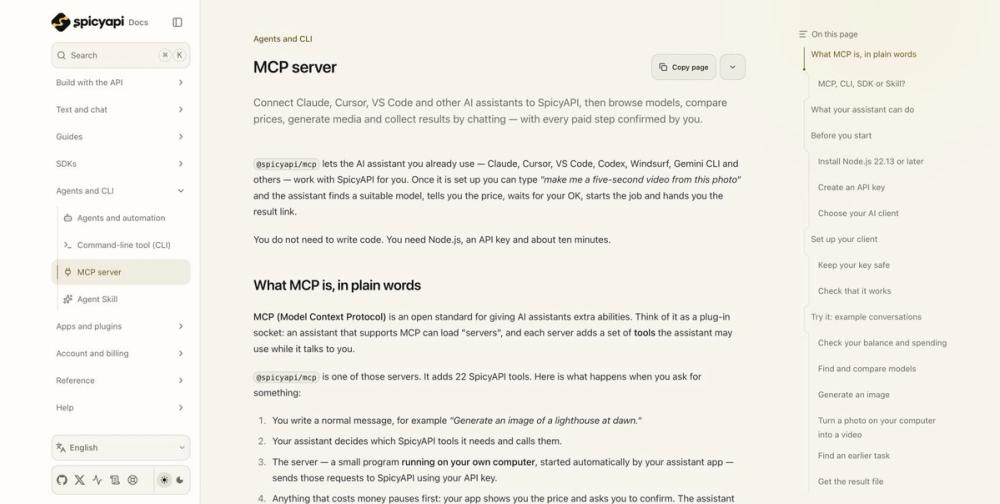
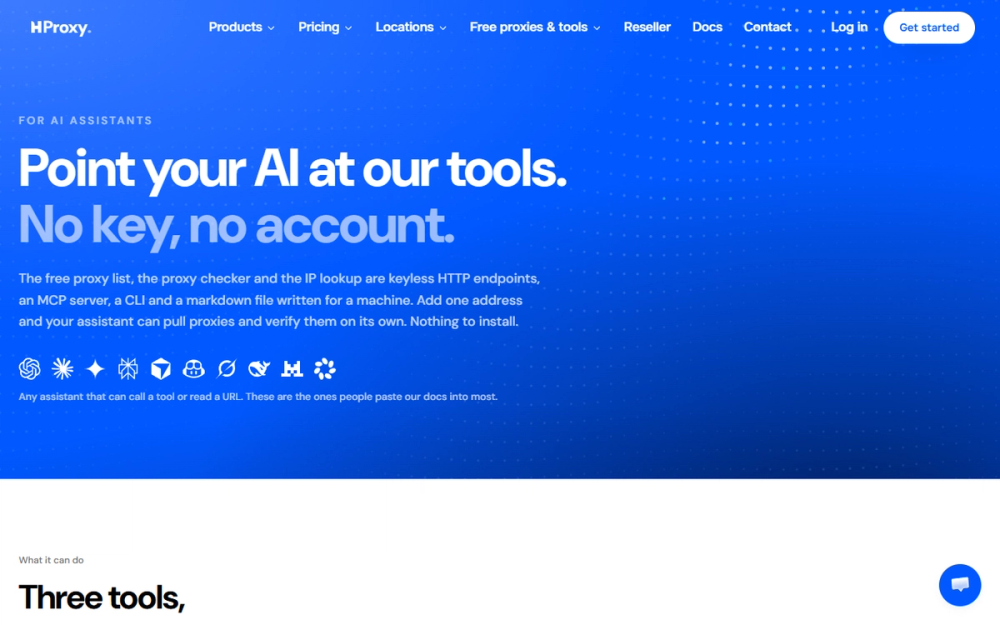
- MCP server access. An MCP server compatible with Claude, ChatGPT, and Gemini lets AI agents run scans and pull results on their own — built for teams moving toward agentic development workflows.
Use Cases
- Founders and small teams building with AI tools who want an honest read on what shipped, without needing to interpret a raw technical report themselves.
- Teams that want their security and code quality checks to live inside the same tools they already use to build, rather than adopting a separate platform with its own dashboard and learning curve.
- Organizations comparing FlawPilot against heavier, enterprise-oriented tools like SonarQube, Snyk, or Wiz, looking for meaningful coverage without the setup overhead those platforms typically require.
- Freelancers and agencies who need a quick, credible way to check a site and its codebase before delivering work to a client.
- Teams building out CI/CD pipelines who want automated security and quality gates from the start, instead of retrofitting them after something goes wrong.
Getting Started
- Visit flawpilot.com and enter your website URL — no account needed for the initial scan.
- Review the results across security, performance, infrastructure, and SEO, each ranked by how much it actually matters.
- Connect your repository or CI/CD pipeline to add code-level scanning to the same workflow.
- Use the suggested fixes directly, or send them to your coding assistant through the MCP integration.
- Make scanning a regular habit — either manually or wired into your pipeline — so new issues are caught early instead of after they've shipped.
Pricing & Plans
The core website scan is free, with no signup and no payment required. Code scanning, CI/CD integration, and other deeper features may become part of paid tiers as the product develops further. Current pricing details are always available at flawpilot.com.