Newsletter
Join the Community
Subscribe to our newsletter for the latest news and updates













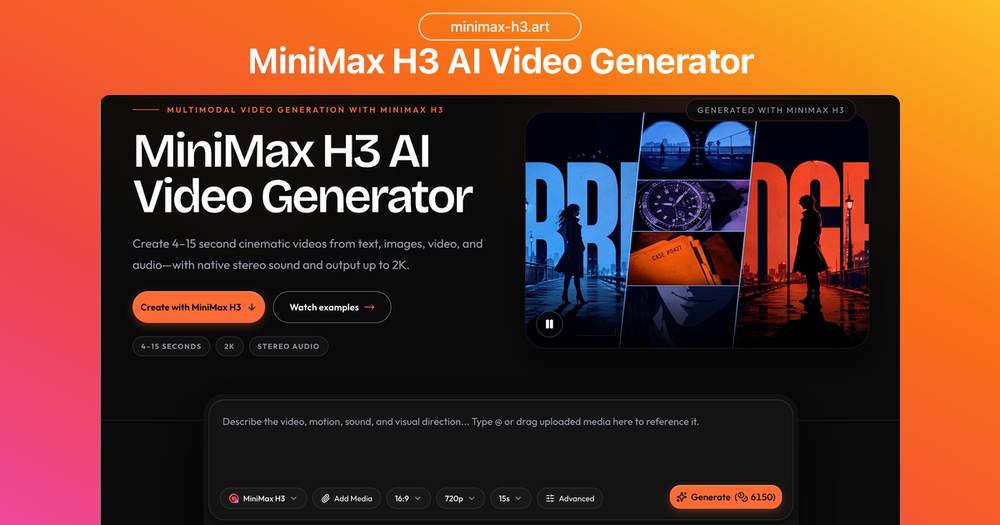
Use the MiniMax H3 AI video generator online for text to video and image to video. Create 4–15 second clips up to 2K with native stereo sound.

ProductFame is a product launch platform that helps users discover popular products and helps founders gain real feedback, early traffic, and valuable...
MiniMax H3 is a cutting-edge multimodal AI video generator developed by MiniMax, accessible online through the H3Art platform. This powerful tool allows users to create cinematic video clips ranging from 4 to 15 seconds, with output resolutions up to 2K and integrated native stereo sound. It stands out by processing a unified creative brief that combines text, images, video, and audio, intelligently applying each reference to control aspects like subject, motion, camera, and sound design.
The platform supports diverse video creation workflows, catering to various starting points and control needs:
MiniMax H3's unique ability to integrate various media types into a single prompt streamlines the creative process. Users can guide the AI with reference videos for motion and camera direction, reference images for character or visual identity, and reference audio for voice, sound effects, or rhythmic pacing. The model then synthesizes these inputs into a cohesive generated video. A key feature is its native stereo sound generation, producing speech, effects, ambience, and music simultaneously with the visuals, ensuring perfect synchronization and enhancing the overall cinematic quality.
The platform is designed for commercial content creation, enabling users to develop concepts for film opening titles, product website animations, animated posters, and e-commerce advertisements. It ensures high fidelity, preserving fine details from source contexts and maintaining graphic hierarchy in complex compositions.
Using H3Art is straightforward:
Underpinning MiniMax H3 are advanced technologies:
H3Art offers various pricing plans (Basic, Pro, Max) and credit packs, supporting both steady production rhythms and individual projects, with features like no H3Art watermark and commercial use rights.