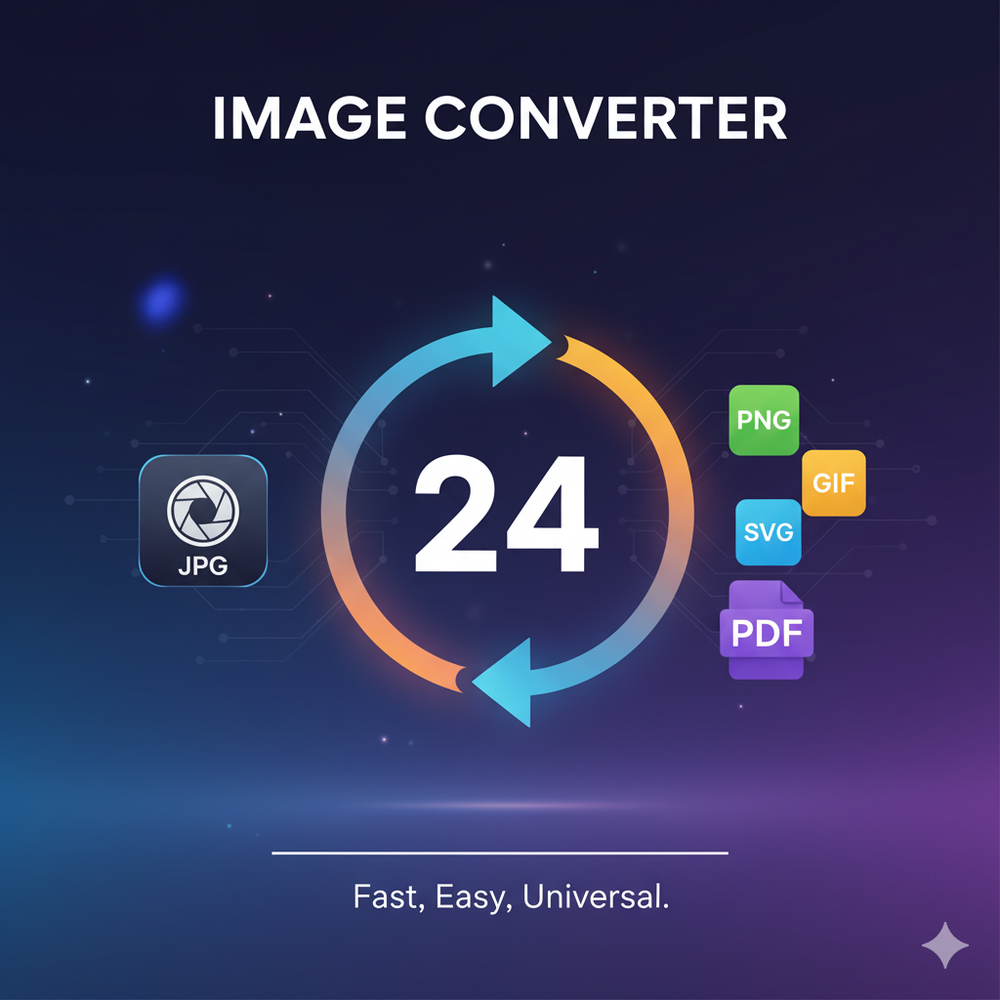
Image Converter 24 is a comprehensive, free online tool designed for fast, easy, and unlimited image conversion across a wide range of formats. It eliminates the need for software installation or account registration, offering a seamless, browser-based experience for all users. The platform supports over 20 image formats, including popular ones like JPG, PNG, WEBP, HEIC, PDF, and TGA, as well as RAW and DNG as source files.
A core strength of Image Converter 24 lies in its commitment to privacy and security. Most tools process images directly within your browser, ensuring that your files never leave your device. For server-side conversions, a secure 256-bit SSL encryption is used, and all uploaded files are automatically deleted after one hour, guaranteeing data confidentiality. The service is completely free, with no watermarks, hidden fees, or daily limits on conversions for many of its features.
Key features and tools include:
- Versatile Image Conversion: Easily convert between formats like JPEG to PNG, TGA to JPG, or PNG to WebP. It also supports converting images to PDF for document sharing and print-ready files.
- Advanced Vector Conversion: Convert raster images (like PNG) to SVG, ideal for logos and graphics that require scalability without quality loss.
- Bulk Image Converter: Efficiently process multiple images simultaneously. Users can upload an entire folder, select an output format, and convert all files at once, with each converted file downloading separately. This is particularly useful for large batches of product photos or event albums.
- Image Resizing Tool: Adjust the width and height of images to fit specific requirements for websites, emails, social media, or application forms, helping to optimize loading times and file sizes.
- Aspect Ratio Converter: Modify image dimensions to match various platform standards, such as 16:9 for video thumbnails or 1:1 for profile pictures, ensuring proper display without distortion.
- DPI Converter: Change the Dots Per Inch (DPI) of an image, crucial for print applications that demand specific resolutions (e.g., 300 DPI for high-quality prints).
- High-Quality Output: The platform is engineered to maintain the original image quality during conversion, preserving sharpness, colors, and details.
Image Converter 24 caters to a diverse audience, including web designers who need to optimize images for responsive websites, photographers converting RAW files for sharing, game developers preparing TGA textures, students turning scans into PDFs, and small business owners creating digital catalogs or print-ready logos. Its user-friendly interface and robust feature set make it an indispensable tool for anyone needing quick, reliable, and secure image manipulation.
The service is compatible with all modern browsers (Chrome, Firefox, Edge, Safari) and works seamlessly across desktops, smartphones, and tablets, offering accessibility on any device without the need for app downloads.