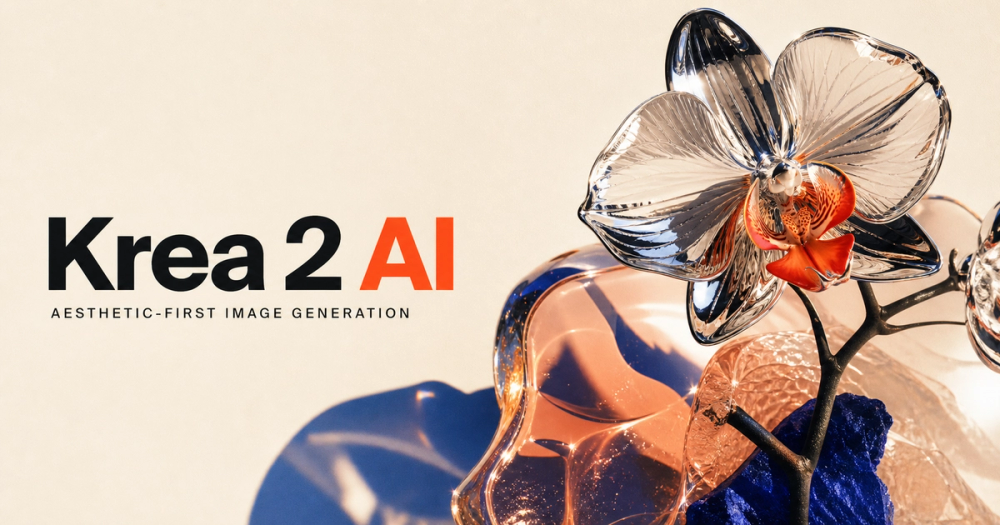
Krea 2 AI Image Generator is an advanced, aesthetic-first platform designed for creating expressive and high-fidelity visuals through text-to-image generation. It emphasizes creative exploration and a wider visual vocabulary, moving beyond generic AI aesthetics to support diverse artistic directions, including polished commercial work, expressive illustration, and detailed material studies.
The platform offers a live image workbench with a focused workflow, allowing users to explore and compare three distinct Krea 2 model variants:
- Krea 2 Medium: A balanced default offering quality and speed for most creative tasks.
- Krea 2 Large: Optimized for maximum fidelity and raw visual detail.
- Krea 2 Medium Turbo: Ideal for rapid concept exploration, quick iterations, mood studies, and high-volume prompt testing due to its speed.
Key features and capabilities of Krea 2 AI include:
- Aesthetic Range: Designed to produce expressive lighting, texture, color, composition, and less conventional visual styles, helping users move beyond typical AI-generated looks.
- Prompt Expansion: Users can start with a direct idea, and the generation endpoint can expand it into a more comprehensive visual brief while maintaining the original subject and intent.
- Fast Iteration: The Turbo model variant specifically caters to quick experimentation, enabling users to rapidly test prompts and develop concepts.
- Useful Controls: The generator provides practical controls such as selectable aspect ratios (1:1, 16:9, 4:3, 4:5, 2:3, 9:16), creativity settings (Focused, Balanced, Creative), and the ability to reuse seeds via API for predictable output settings across batches. It also includes private processing and optional safety checks.
- Structured Prompt Building: Krea 2 encourages users to build an "art direction" rather than just a "keyword pile." It guides users through a controlled iteration loop:
- Name the subject: Start with the core element that must remain consistent.
- Direct the frame: Add details about composition, viewpoint, lens language, lighting, palette, texture, and atmosphere.
- Generate and compare: Make one controlled change between generations to understand the impact of specific words.
- Save the recipe: Keep successful prompts, aspect ratios, and seeds for future production.
Krea 2 operates with a compact creative toolset, focusing on a text-to-image function with a narrow set of useful controls and secure server processing for all requests and generation statuses. The platform offers a clear pricing model with automatic failure refunds, including a free tier with 3 welcome credits, and subscription plans (Creator, Studio) or one-time credit packs for higher-volume usage. This makes Krea 2 a versatile tool for designers, artists, and creatives looking for advanced control and aesthetic diversity in their AI image generation workflow.