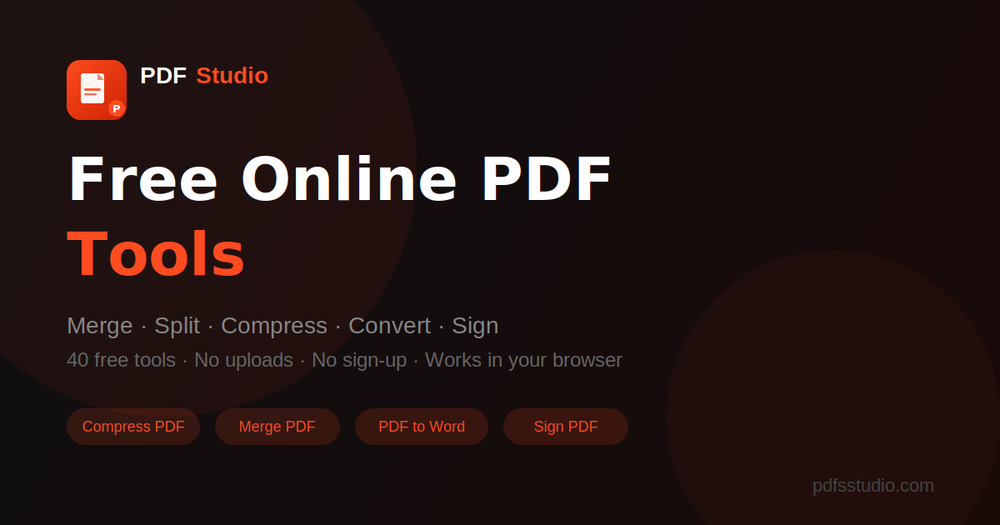
PDF Studio offers a robust and entirely free online suite of over 40 PDF tools, designed to empower users with comprehensive document management capabilities directly within their web browser. This platform stands out by prioritizing user privacy and convenience, as it requires no file uploads to external servers and no user sign-up, making it an ideal solution for quick, secure, and efficient PDF manipulation.
The extensive array of tools covers virtually every common PDF need. Users can effortlessly merge multiple PDF documents into a single, cohesive file, perfect for combining reports, presentations, or legal documents. Conversely, the split functionality allows for precise extraction of specific pages or division of large PDFs into smaller, more manageable segments, enhancing organization and ease of sharing.
Compression is another critical feature, enabling users to significantly reduce the file size of their PDFs without compromising document quality. This is invaluable for optimizing storage space, accelerating email attachments, and improving website loading times for PDF content. The platform also excels in conversion, supporting a wide range of formats. Users can convert PDFs to popular document types like Microsoft Word, Excel, and PowerPoint, as well as image formats such as JPG and PNG. Equally important, it facilitates the conversion of these various formats back into PDF, ensuring compatibility and universal accessibility.
For legal and business purposes, PDF Studio provides robust signing capabilities. Users can easily add electronic signatures to their documents, fill out forms, and even request signatures from others, streamlining workflows and reducing reliance on physical paperwork. The editing tools offer a suite of functionalities for modifying PDF content, including basic text adjustments, image manipulation, adding annotations, watermarks, and headers/footers. Users can also reorder, rotate, or delete pages, ensuring their documents are perfectly tailored to their requirements.
A key differentiator of PDF Studio is its commitment to a "no uploads" policy. This means that sensitive documents are processed locally within the user's browser, significantly enhancing data security and privacy by preventing files from ever leaving the user's device. This client-side processing also contributes to faster operation speeds, as there's no waiting for files to transfer to and from a server.
Targeting a broad audience, from students and individual professionals to small businesses, PDF Studio eliminates common barriers to entry. Its completely free nature removes cost as an obstacle, while the absence of a sign-up process ensures immediate access to its powerful features. The intuitive, browser-based interface makes it accessible from any operating system (Windows, macOS, Linux, ChromeOS) and device (desktop, laptop, tablet), requiring only a modern web browser.
In summary, PDF Studio is a powerful, private, and user-friendly online platform that redefines convenience in PDF management. With its comprehensive suite of 40+ tools, commitment to privacy through local processing, and completely free access, it provides an indispensable resource for anyone needing to efficiently handle PDF documents without compromise.