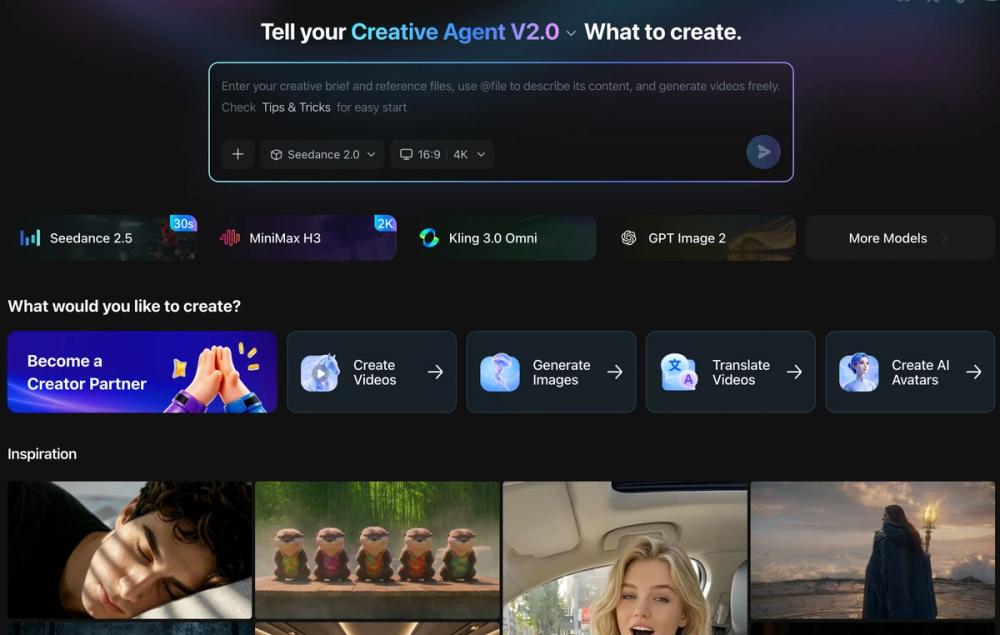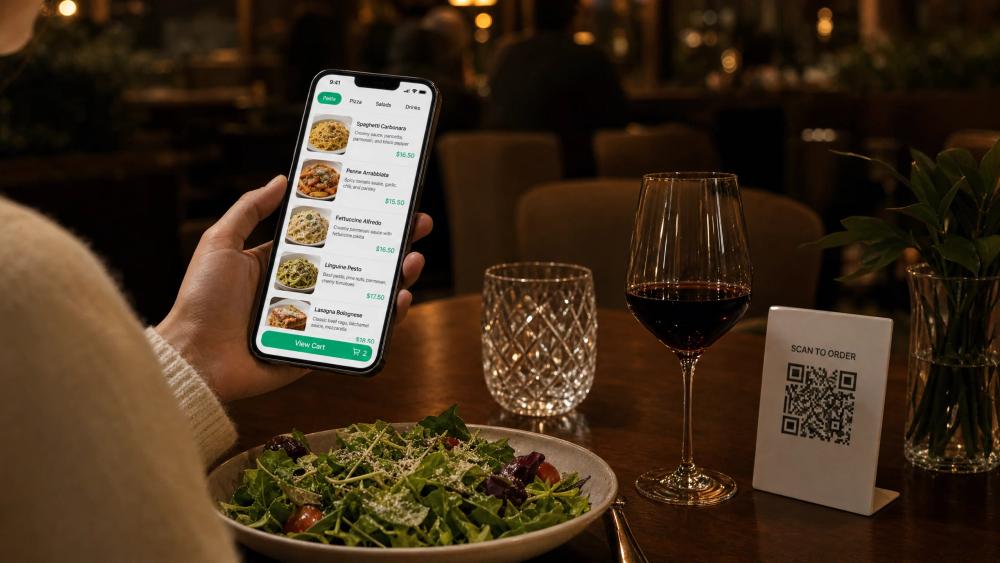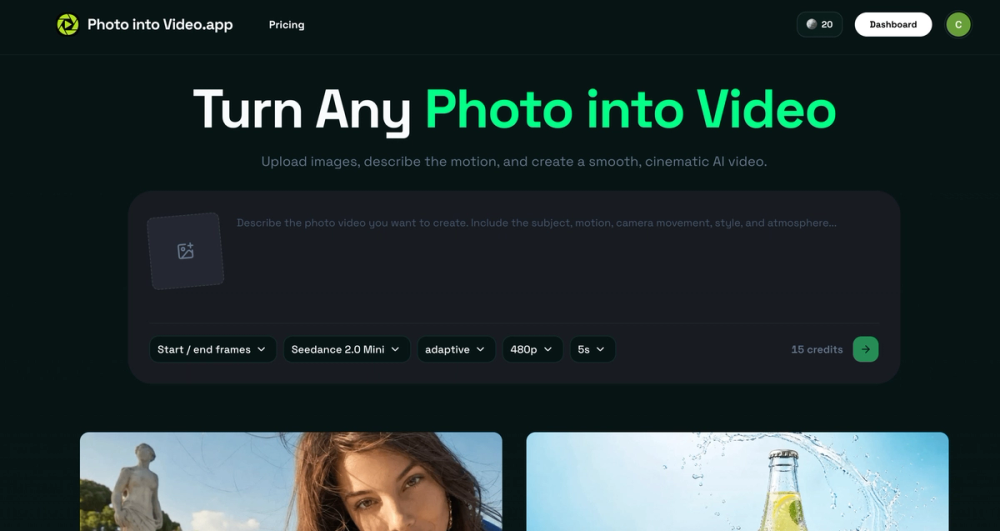
Photo into Video AI Generator is an innovative online tool that transforms any still image into a smooth, cinematic AI-powered video. Designed for content creators, marketers, and individuals, it simplifies the process of adding dynamic motion to existing visuals without the need for complex video production.
The platform offers a straightforward three-step workflow:
- Upload a Clear Source Image: Begin by selecting one or more high-quality photos with a well-defined subject and good lighting. The tool supports various image types, including product shots, portraits, artwork, and personal photos, providing a strong visual foundation for the video.
- Describe the Motion You Want: Users provide a focused text prompt detailing the desired subject action, camera movement, style, and atmosphere. This clear direction, such as "a slow camera push" or "gentle wind," guides the AI model to generate coherent and intentional motion.
- Choose Your Settings and Generate: Before generation, users can select a specific AI model (e.g., Seedance 2.0 Mini), aspect ratio, output quality (up to 4K), and video duration (5, 10, or 15 seconds). This control ensures the final clip matches the project's requirements.
Key advantages of Photo into Video include:
- Efficiency: Create motion content from existing images, eliminating the need for new photoshoots, locations, or talent.
- Intuitive Control: Direct video motion using plain language prompts, making complex animation accessible to non-experts.
- Brand Consistency: Leverage existing on-brand visuals as a starting point, ensuring new video content aligns with established aesthetics.
- Creative Flexibility: Experiment with multiple motion ideas from a single image, comparing different camera moves, reveals, or atmospheric versions to find the best fit.
- Versatile Formats: Adapt still images for video-first placements across various channels, expanding content utility.
- Focused Workflow: A streamlined process dedicated solely to animating stills, avoiding the complexities of larger video editing suites.
The tool is ideal for a wide range of use cases:
- Product Showcases: Transform product photos into engaging reveals and teasers for e-commerce.
- Social Posts and Ads: Animate campaign images for platforms like Reels, Shorts, TikTok, and stories.
- Portraits and People: Add subtle motion to portraits for profiles, introductions, or editorial content.
- Art and Illustration: Bring static artwork to life with dynamic movement, light, and depth.
- Travel and Property: Animate scenes for listings, travel stories, and destination campaigns.
- Memories and Archives: Infuse gentle motion into cherished photos for personal montages and tributes.
Photo into Video emphasizes clear, smooth, and cinematic motion, offering professional-grade results up to 4K resolution. This ensures that generated clips are presentation-ready for product pages, ads, portfolios, and social media, providing a valuable asset for diverse content strategies.