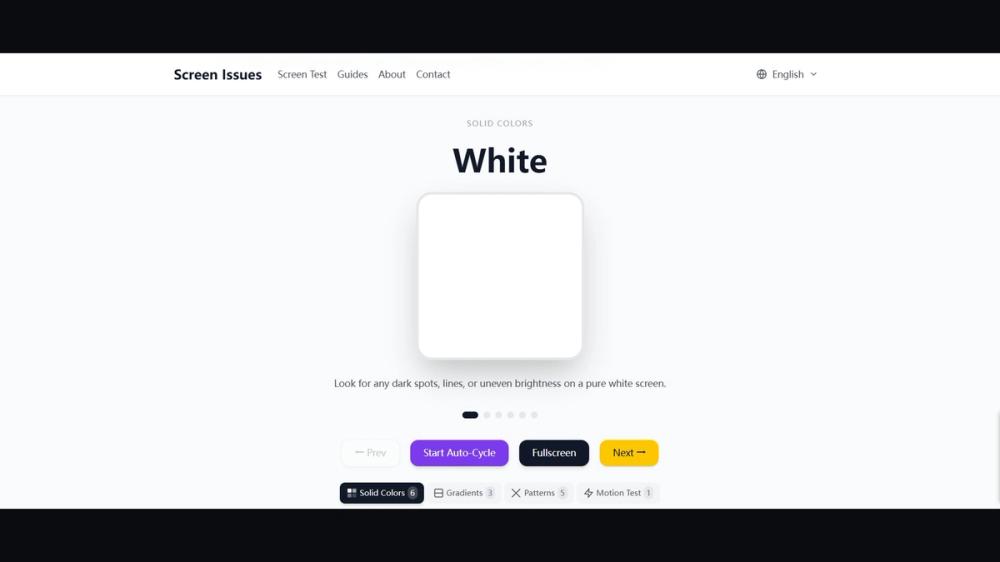
Screen Issues is a free online resource for identifying, understanding, and troubleshooting display defects on monitors, laptops, phones, and tablets. The interactive Screen Test tool runs full-screen solid colors in the browser — no download — so you can spot dead pixels, stuck pixels, bright spots, black spots, backlight bleed, and color uniformity issues in seconds. Expert guides cover dead pixels, screen lines, flickering, pressure marks, and color problems. Available in English, German, Spanish, and Portuguese.
Overview
Screen Issues is a free online tool for display diagnostics. Open it in the browser on a monitor, laptop, phone, or tablet. No download is required and nothing needs to be installed. It helps you identify, understand, and troubleshoot display defects.
Screen Test
The interactive Screen Test runs full-screen solid colors in the browser. Use the solid colors to spot:
- Dead pixels
- Stuck pixels
- Bright spots
- Black spots
- Backlight bleed
- Color uniformity issues
A visual check takes seconds. Because the test stays in the browser, you can run it on the display you want to inspect without extra software.
Guides
Expert guides cover the problems people see most often on monitors, laptops, phones, and tablets:
- Dead pixels
- Screen lines
- Flickering
- Pressure marks
- Color problems
Read a guide to understand what the defect looks like and how to troubleshoot it. The Screen Test and the guides work together: test the panel, then read the matching guide.
Languages
Screen Issues is available in English, German, Spanish, and Portuguese.
Price
Screen Issues is free. The screen tests and the troubleshooting guides do not require a download or a paid plan.
Where to use it
Use Screen Issues on:
- Desktop monitors
- Laptop screens
- Phones
- Tablets
Website: https://www.screenissues.com