From video to publish-ready subtitles in one browser
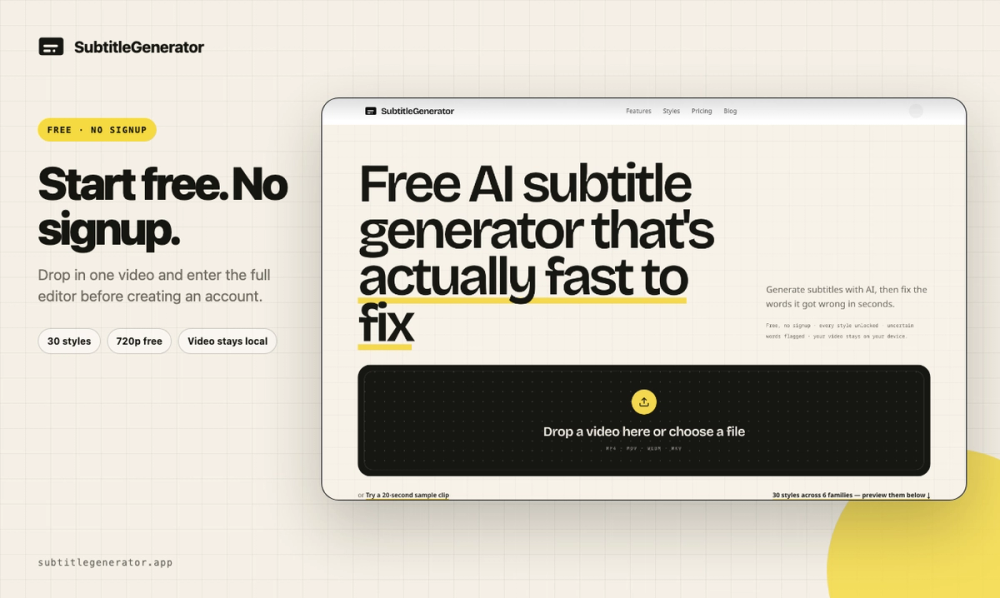
SubtitleGenerator is an AI subtitle workflow for creators, editors, educators, podcasters, marketers, and agencies. It takes a video from transcription to a finished captioned export without forcing users to move between separate transcription, cleanup, translation, styling, and rendering tools. The original video stays in the browser, so users keep control of their source media while they work.
Generate, then finish the transcript
Upload a video and SubtitleGenerator creates timed subtitles from its speech. The editor shows the transcript alongside playback and timing controls so users can correct text, adjust cue boundaries, add missing cues, and preview the result against the original video. It supports both long-form footage and short vertical clips.
The distinctive Fix workflow makes review inspectable. Instead of leaving users to hunt through every line, it flags uncertain words and gives the transcript a visible remaining-issues count. Each correction moves the project toward “All clear,” providing a concrete finish line before export. Users can also re-transcribe a selected section when a local passage needs another attempt rather than regenerating the full track.
Translate, style, and export
SubtitleGenerator includes 33 caption styles across clean, creator, karaoke, cinematic, pop, and branded directions. Users can preview styles on their own video, edit text and timing, and create subtitles that fit YouTube videos, podcasts, lessons, interviews, TikTok clips, Reels, product demos, and client work.
Pro and Max add full-track subtitle translation inside the same editor. This keeps source review, translated subtitles, timing, and visual styling in one workflow rather than splitting translation into a separate tool.
Exports support two outcomes: a captioned video with subtitles rendered into the picture, or subtitle files for publishing and professional editing. Paid plans add HD export without a watermark, eight subtitle formats, custom fonts, and saved brand styles. These options support creators who publish directly as well as editors who continue in tools such as Premiere Pro or DaVinci Resolve.
Free to start
An anonymous visitor can try one video up to 10 minutes without creating an account. A signed-in Free plan includes 60 subtitle minutes per month, all 33 styles, 720p export, and a small watermark. Pro is $9 per month or $90 per year, while Max is $15 per month or $150 per year; both increase capacity and unlock the complete professional workflow. Pay-as-you-go credit packs are also available for users who prefer usage-based access.
SubtitleGenerator was #3 Product of the Day on Product Hunt on August 22, 2026.