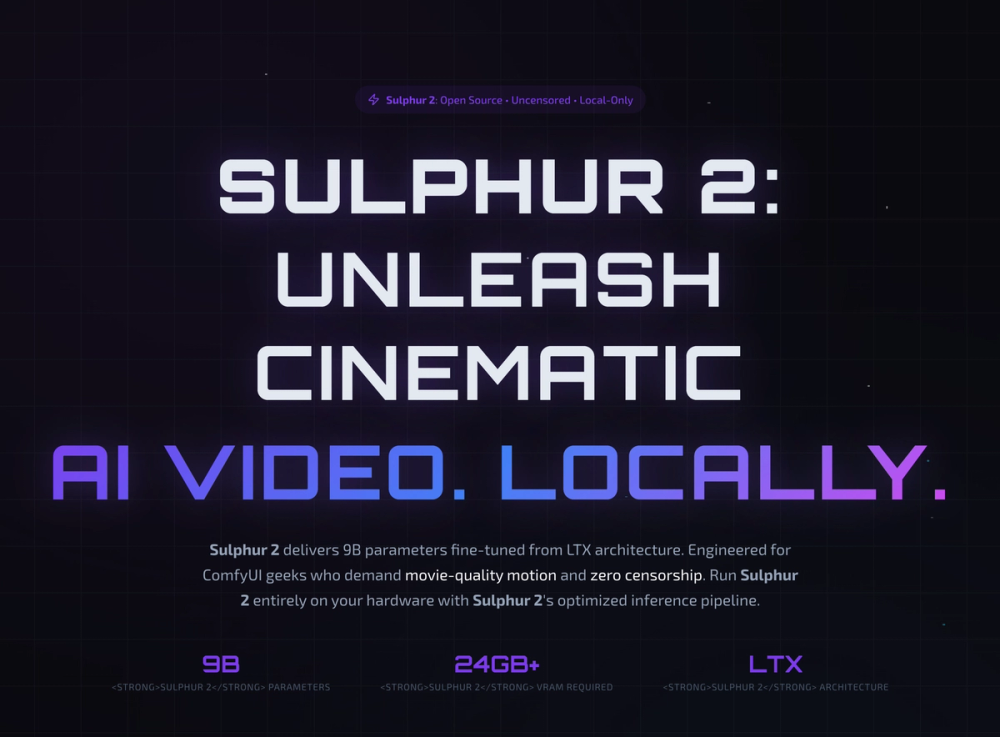
Sulphur 2 is a powerful, open-source motion AI model designed for ComfyUI creators seeking cinematic-quality video generation. Fine-tuned from the LTX architecture with 9 billion parameters, Sulphur 2 empowers users with full control over their AI video production, running entirely on local hardware with zero censorship. This means no subscription fees, no cloud queues, and complete creative freedom.
Key Features:
- Text-to-Video Generation: Transform text prompts into movie-grade video sequences with smooth camera movements and natural temporal coherence. Examples include "Dog Olympics," "Sun Rises Bicycle," and "Pirate Ship Battle."
- Image-to-Video Capabilities: Bring static images to life by adding natural motion and cinematic quality, as demonstrated with "MacPaint Animation" and "Venice Gondola."
- Local-Only Inference: Sulphur 2 operates 100% on your hardware, ensuring privacy and eliminating reliance on cloud services. This also means no content filters, allowing for truly unrestricted artistic expression.
- ComfyUI Integration: Built for seamless integration with ComfyUI, a popular node-based UI for Stable Diffusion, enabling advanced workflows and customization.
- Open Source & MIT License: The model weights are free, open source, and distributed under the MIT license, fostering community contributions and transparent development.
Hardware Requirements:
While offering unparalleled creative freedom, Sulphur 2 requires significant GPU power for optimal performance.
- Minimum: 12-16 GB VRAM (for FP8/quantized weights, reduced resolution, basic T2V/I2V). Some quality compromise is expected.
- Recommended: 24 GB+ VRAM (for full 9B parameters, native resolution, cinematic motion quality, smooth camera movement). This provides the optimal experience.
- Scale / Multi-GPU: 48 GB+ VRAM (for parallel processing, high-resolution output, complex workflows, batch generation), ideal for professional production.
- Not Supported: Laptops with integrated graphics, entry-level GPUs (GTX 1650 and below, RTX 2050), non-NVIDIA GPUs (AMD, Intel - no CUDA support), and Apple Silicon (M1/M2/M3) are currently not supported.
Getting Started:
Deploying Sulphur 2 locally involves three simple steps:
- Deploy ComfyUI: Clone the ComfyUI repository and install its dependencies.
- Download Sulphur 2 Weights: Obtain the 9B parameter model weights from Hugging Face.
- Load Sulphur 2 & Generate: Import the official Sulphur 2 workflow into ComfyUI and begin generating cinematic videos.
Sulphur 2 is trusted by over 500,000 creators, from indie filmmakers to production studios, for its ability to deliver cinematic quality, zero API costs, and uncensored AI video generation. It represents a significant step towards democratizing high-quality AI video production, putting powerful tools directly into the hands of creators.