
The Image to Prompt Tool is a free online converter designed to transform images into detailed AI prompts, enabling users to recreate visuals in their preferred style using platforms like Midjourney, Stable Diffusion, and Flux. It supports 16 languages, providing multiple descriptions for each uploaded image to cater to diverse creative needs.
Key Features:
- AI Prompt Generation: Converts images into AI-ready prompts optimized for various platforms.
- Multi-Platform Support: Compatible with Midjourney, Stable Diffusion, and Flux, ensuring versatility.
- Multi-Language Support: Supports prompt generation in 16 languages, catering to a global user base.
- User-Friendly Interface: Simple drag-and-drop or paste functionality for easy image uploading.
- Multiple Prompt Options: Generates multiple prompt variations from a single image.
- Free Access: The tool is free to use, requiring no login or subscription.
Use Cases:
- Art Recreation: Capture the essence of existing artwork and recreate it with AI.
- Product Showcasing: Generate prompts from product photos to highlight key features and scene setups.
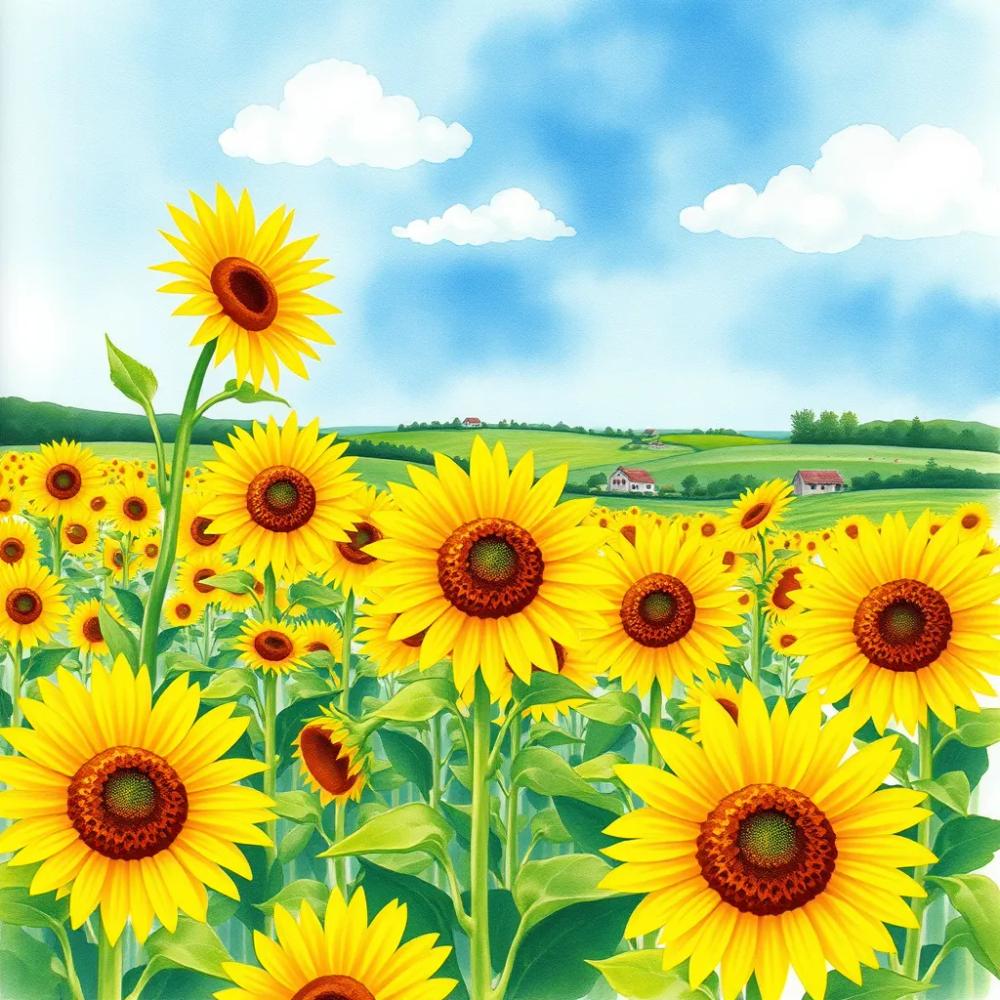
- Scene Generation: Describe natural landscapes and other scenes to create similar AI-generated visuals.
- Creative Exploration: Experiment with different AI platforms and styles using the generated prompts.
How to Use:
- Upload Image: Drag and drop an image, paste it, or import it from a URL. Supported formats include PNG, JPG, JPEG, and WEBP (max 4MB).
- Configure Settings: Choose the number of prompts to generate (1, 3, or 5) and select the desired prompt language.
- Select Model: Choose a model optimized for General use, Flux, Midjourney, or Stable Diffusion.
- Generate Prompt: Click the "Generate Prompt" button to create the AI prompts.
- View History: Access previous conversions in the history section.
The tool aims to provide precise analysis, lightning-fast results, and easy control over prompt customization. It supports various AI image platforms, making it a versatile solution for AI-assisted content creation.