# Timestamp Rocks: The Discord Timestamp Generator Built for Global Communities
Scheduling events in Discord used to be a headache for international communities. You'd post "Meeting at 8 PM EST" and immediately get flooded with questions: "What time is that for me?" "Is daylight saving active right now?" "Wait, do you mean 8 PM today or tomorrow?" Members would show up an hour late because they miscalculated the offset, or worse, miss the event entirely because they converted the wrong timezone.
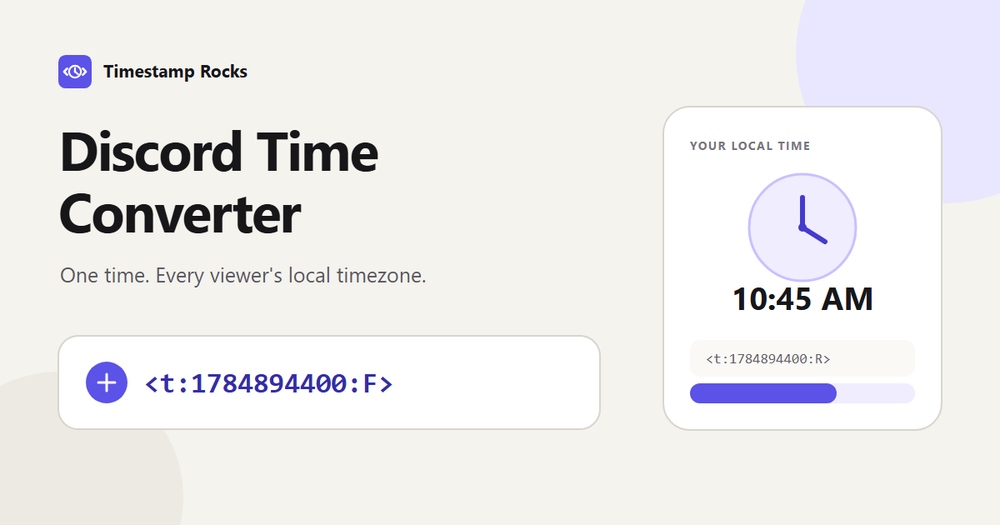
Discord actually has a built-in solution: timestamp codes like <t:1784894400:F> that automatically display in each viewer's local timezone and language. The problem? Creating those codes manually is error-prone. You need to convert your local time to UTC, account for daylight saving rules, calculate the Unix timestamp in seconds (not milliseconds—a common mistake that breaks the code), pick one of nine format codes, and wrap it in the correct syntax. One small error, and your entire community sees the wrong time.
**Timestamp Rocks solves this in three steps:** Pick your date and timezone, copy a format code, paste it into Discord. That's it. The tool handles the Unix conversion, timezone math, and daylight saving complexity for you.
## What Makes It Different
**Smart Daylight Saving Handling**
This is where most timestamp generators fail. When daylight saving starts in spring, clocks "spring forward"—2:30 AM simply doesn't exist on that day. When it ends in fall, clocks "fall back"—2:30 AM happens twice. Timestamp Rocks detects both scenarios and warns you. If you select a non-existent time, it tells you the time was skipped. If you select an ambiguous time, it shows both occurrences with their UTC offsets and lets you choose which one you mean. No other tool does this—most silently produce timestamps that are off by an hour.
**All 9 Discord Formats with Live Preview**
Discord supports nine timestamp styles: short time, long date, relative time (like "in 2 hours"), and six others. Each serves a different purpose—relative time auto-updates for countdowns, long formats work better for formal announcements, short formats save space in chat. Timestamp Rocks generates all nine at once with live previews showing exactly how they'll render in Discord. Copy the one that fits your use case. No need to memorize format codes or test each one manually.
**Complete IANA Timezone Support**
The tool uses the full IANA timezone database—not just UTC offsets like "GMT+8" or "EST." Why does this matter? Because offsets don't capture historical changes or special rules. Arizona doesn't observe daylight saving. Some regions have 30-minute or 45-minute offsets. The database handles all of this. Type "America/Phoenix" and it knows not to apply DST. Type "Asia/Kathmandu" and it accounts for the +5:45 offset.
**Privacy-First, No Account Required**
Everything runs in your browser. No server processes your data. No email signup. No account creation. Pick a date, get your codes, and you're done. The tool is free and always will be—no premium tiers, no paywalls, no ads blocking functionality.